


The sleeves you knew before you owned the records
Iron Maiden – Music Player
Iron Maiden – Music Player
💿 Load any track you like
🤘 Nine vinyl discs, every Eddie
🖤 For everyone still flying the flag
Couldn't load pickup availability

Shipping Protection
- Visa payment method
- Master payment method
- Apple pay payment method
- Google pay payment method
- Paypal payment method
- Shopify pay payment method

Iron Maiden – Music Player
What's included?
What's included?
• 1 Premium Music Box
• 9 Vinyl Song Discs
• USB Cable for Effortless Song Loading
Our guarantee
Our guarantee
Should your player turn up damaged or faulty, simply drop us a message and we'll ship a fresh one out. Nothing to return, and no shipping for you to cover.


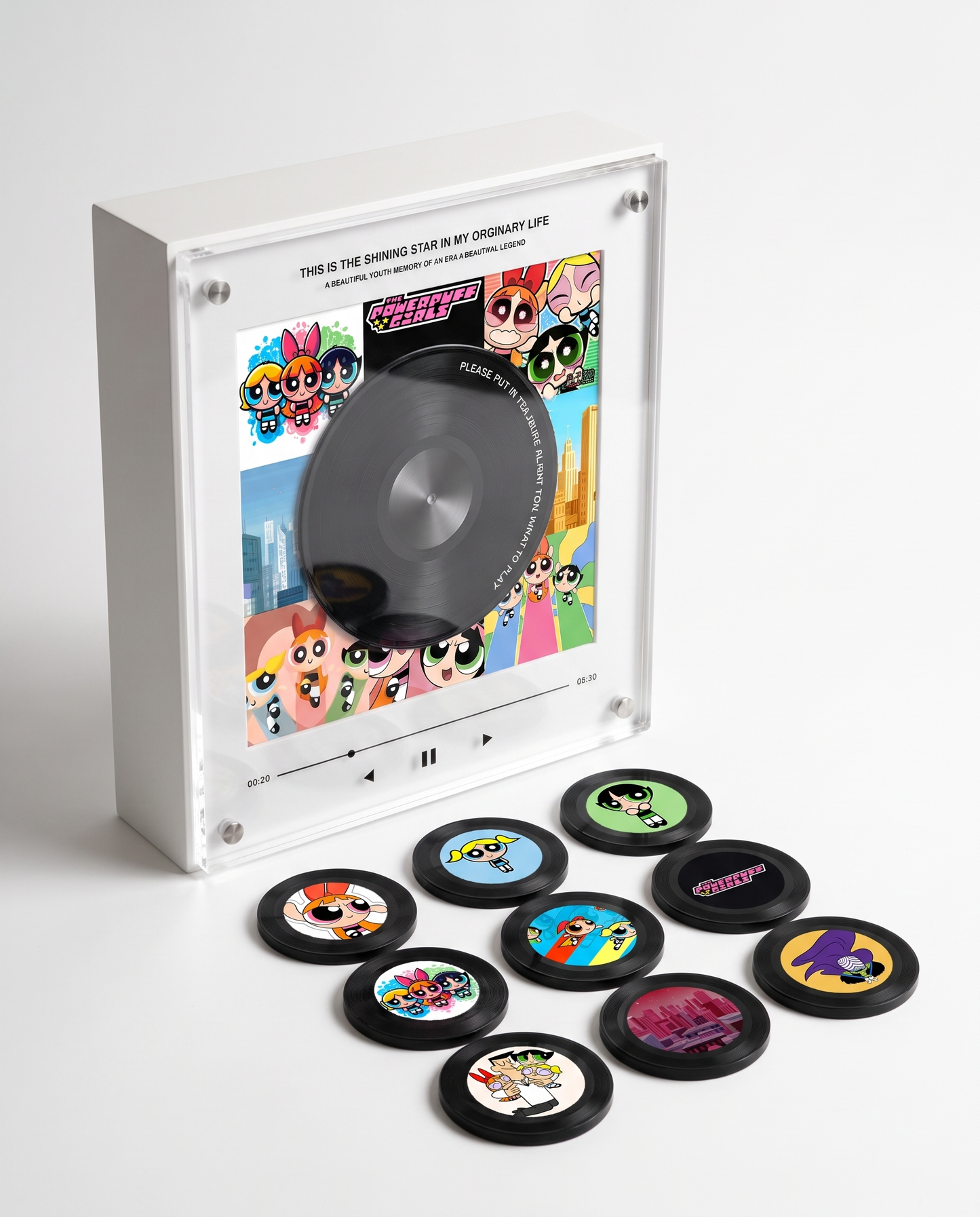


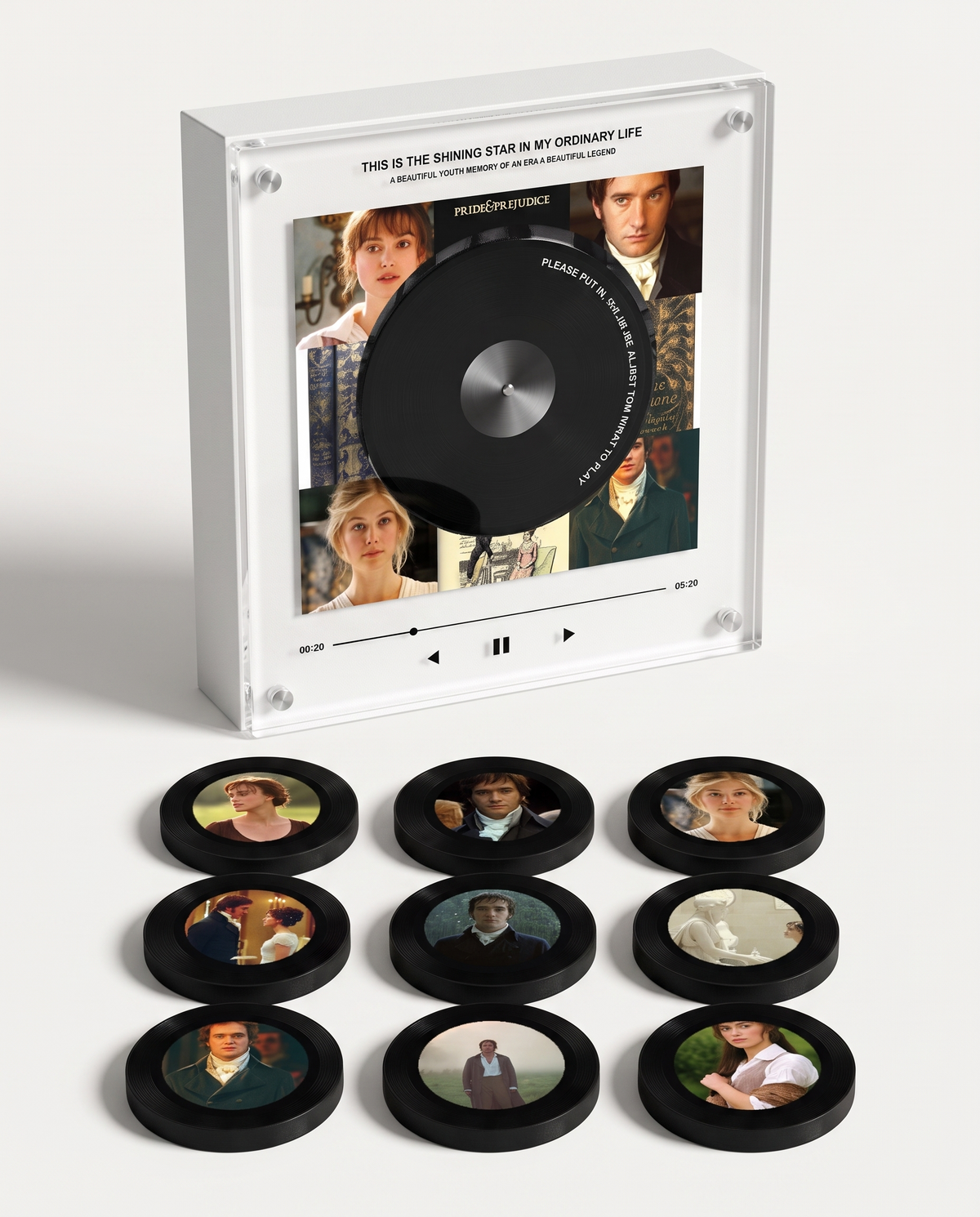

One Gallop , and You're Back
Nine vinyl discs, half a lifetime of the band resting in your palm. Rest one on the box and it plays: no app, no subscription, nothing to scroll past. First the bass rolls in, then the whole record.

For the Ones Who Read the Sleeve Twice
Tour shirts fade to grey and the sewn-on patches start to curl at the edges. This one stays on your shelf, and decades from now it'll still play the record you've carried since you first pinned Eddie to your wall.
How it works !
Customer Reviews
-

I put on The Trooper and I was fourteen again, air-drumming in my bedroom in about a second. It's the only piece of merch I own that I actually use. The finish is gorgeous and it looks brilliant on the shelf, and the photo discs are lovely too. It's more than an ornament, it holds a memory, and that made it worth every penny.
-

I wasn't sure it was worth the money until I unboxed it. Matte, solid, properly heavy, it looks like it belongs next to the flightcases, not the tat you bin after a gig. Nine discs, the full run with Eddie on each one. The photos came out beautiful and it displays like a real piece, decorative and meaningful at once, exactly what I hoped.
-

I ordered it during the last run of shows, half expecting something flimsy. It's the opposite. You load your own songs, it plays offline forever, and it looks classy enough to leave out on show. The photo discs turned out lovely and the whole thing feels premium. Setup took a few minutes, but the moment it played it was completely worth it.


Frequently Asked Questions
How does it work
How does it work
🔌 Charge & Switch On
Give the music box a charge before you first use it.
Hold down the back button to power it on or off.
💿 Set a Disc
Peel off the front protective sticker and rest a disc on the player.
Your song starts on its own.
🎵 Swap Your Songs Whenever
Hook the music box up to your computer with the included USB-C cable.
Open the folders numbered 1–9 and drag your MP3 songs into the matching one.
💻 Works with Mac & Windows
No apps or software needed.
🔋 Battery Life
Up to 8 hours of playback from a full charge.
Can I swap out a song down the line?
Can I swap out a song down the line?
Connect the box to your laptop using the USB-C cable in the box. Open the folder you want, remove the old MP3, and drop in the new one. Done in about 30 seconds.
What audio file types does it accept?
What audio file types does it accept?
MP3 files only. Anything else (WAV, FLAC, M4A) won't be picked up. You can turn any audio file into an MP3 for free with an online converter such as CloudConvert.
Will I need Spotify or some kind of streaming plan?
Will I need Spotify or some kind of streaming plan?
Nope — it works completely offline. You load your MP3 files onto the box once from your laptop, and from then on there's no internet, no app, and no subscription. The music belongs to you.
Can it connect over Bluetooth?
Can it connect over Bluetooth?
No — the music box runs offline from the MP3 files you upload, keeping things simple and seamless.
You might like
-
 SAVE 53%
Bruno Mars – Music Player
Regular price £49.00Regular price £49.00 Sale priceUnit price per£105.0053% -
 SAVE 53%
My Chemical Romance – Music Player
Regular price £49.00Regular price £49.00 Sale priceUnit price per£105.0053% -
 SAVE 53%
Michael Jackson – Music Player
Regular price £49.00Regular price £49.00 Sale priceUnit price per£105.0053% -
 SAVE 53%
One Direction – Music Player
Regular price £49.00Regular price £49.00 Sale priceUnit price per£105.0053% -
 SAVE 53%
Supernatural – Music Player
Regular price £49.00Regular price £49.00 Sale priceUnit price per£105.0053% -
 SAVE 53%
Wicked – Music Player
Regular price £49.00Regular price £49.00 Sale priceUnit price per£105.0053% -
 SAVE 53%
The Beatles – Music Player
Regular price £49.00Regular price £49.00 Sale priceUnit price per£105.0053% -
 SAVE 53%
Twenty One Pilots – Music Player
Regular price £49.00Regular price £49.00 Sale priceUnit price per£105.0053% -
 SAVE 53%
BTS – Music Player
Regular price £49.00Regular price £49.00 Sale priceUnit price per£105.0053% -
 SAVE 53%
Linkin Park – Music Player
Regular price £49.00Regular price £49.00 Sale priceUnit price per£105.0053% -
 SAVE 53%
Olivia R. – Music Player
Regular price £49.00Regular price £49.00 Sale priceUnit price per£105.0053% -
 SAVE 53%
Green Day – Music Player
Regular price £49.00Regular price £49.00 Sale priceUnit price per£105.0053% -
 SAVE 53%
Dexter Morgan – Music Player
Regular price £49.00Regular price £49.00 Sale priceUnit price per£105.0053% -
 SAVE 53%
Iron Maiden – Music Player
Regular price £49.00Regular price £49.00 Sale priceUnit price per£105.0053% -
 SAVE 53%
Outlander – Music Player
Regular price £49.00Regular price £49.00 Sale priceUnit price per£105.0053% -
 SAVE 53%
Sabrina C. – Music Player
Regular price £49.00Regular price £49.00 Sale priceUnit price per£105.0053% -
 SAVE 53%
Fall Out Boy – Music Player
Regular price £49.00Regular price £49.00 Sale priceUnit price per£105.0053%


