


The voice you knew before you knew the band
Ozzy Osbourne – Music Player
Ozzy Osbourne – Music Player
💿 Load any song you love
🦇 Nine vinyl discs, riff to reign
🤘 For the ones who worshipped the Prince
Couldn't load pickup availability

Shipping Protection
- Visa payment method
- Master payment method
- Apple pay payment method
- Google pay payment method
- Paypal payment method
- Shopify pay payment method

Ozzy Osbourne – Music Player
What's included?
What's included?
• 1 Premium Music Box
• 9 Vinyl Song Discs
• USB Cable for Effortless Song Loading
Our guarantee
Our guarantee
Should your player turn up damaged or faulty, simply drop us a message and we'll ship a fresh one out. Nothing to return, and no shipping for you to cover.


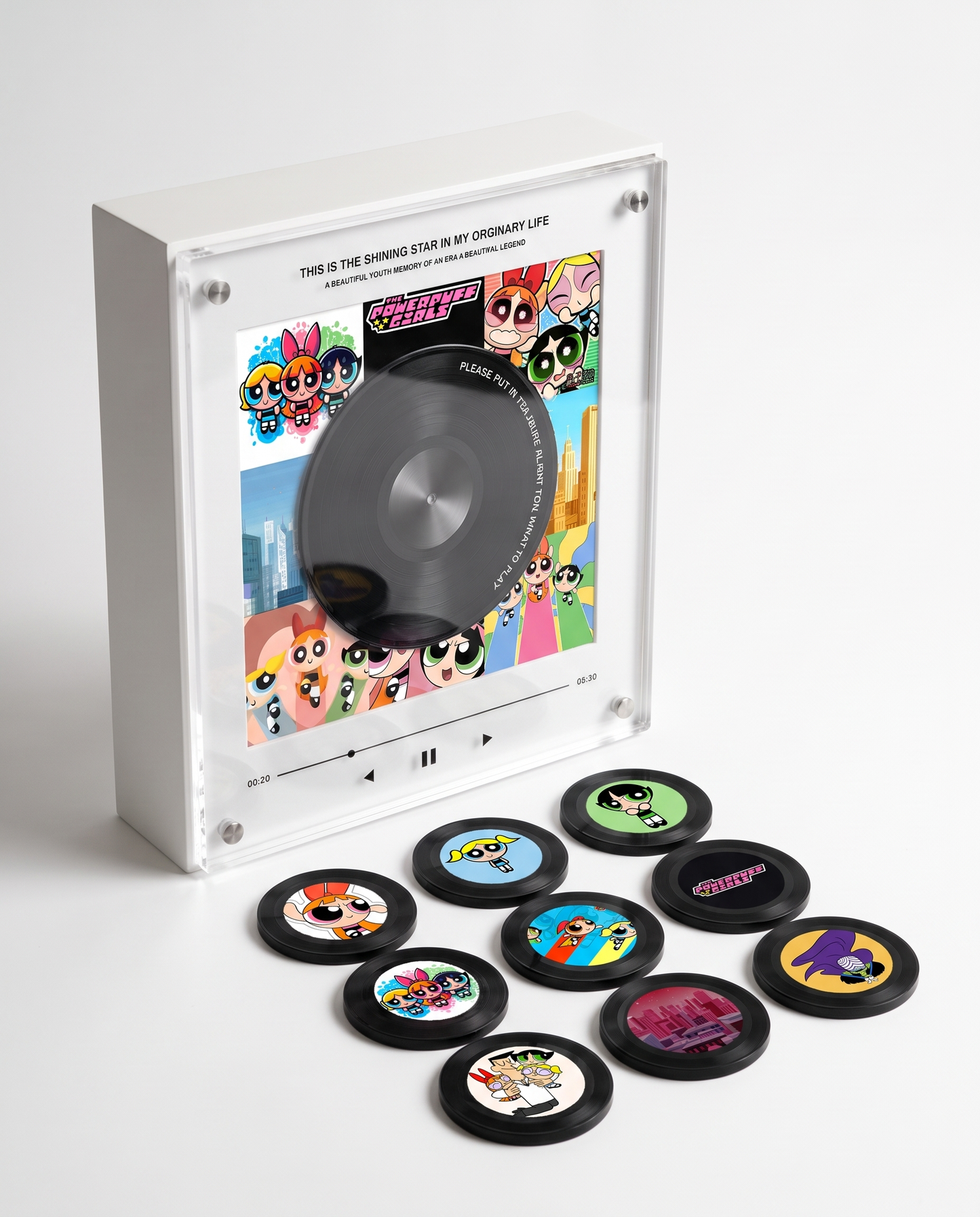


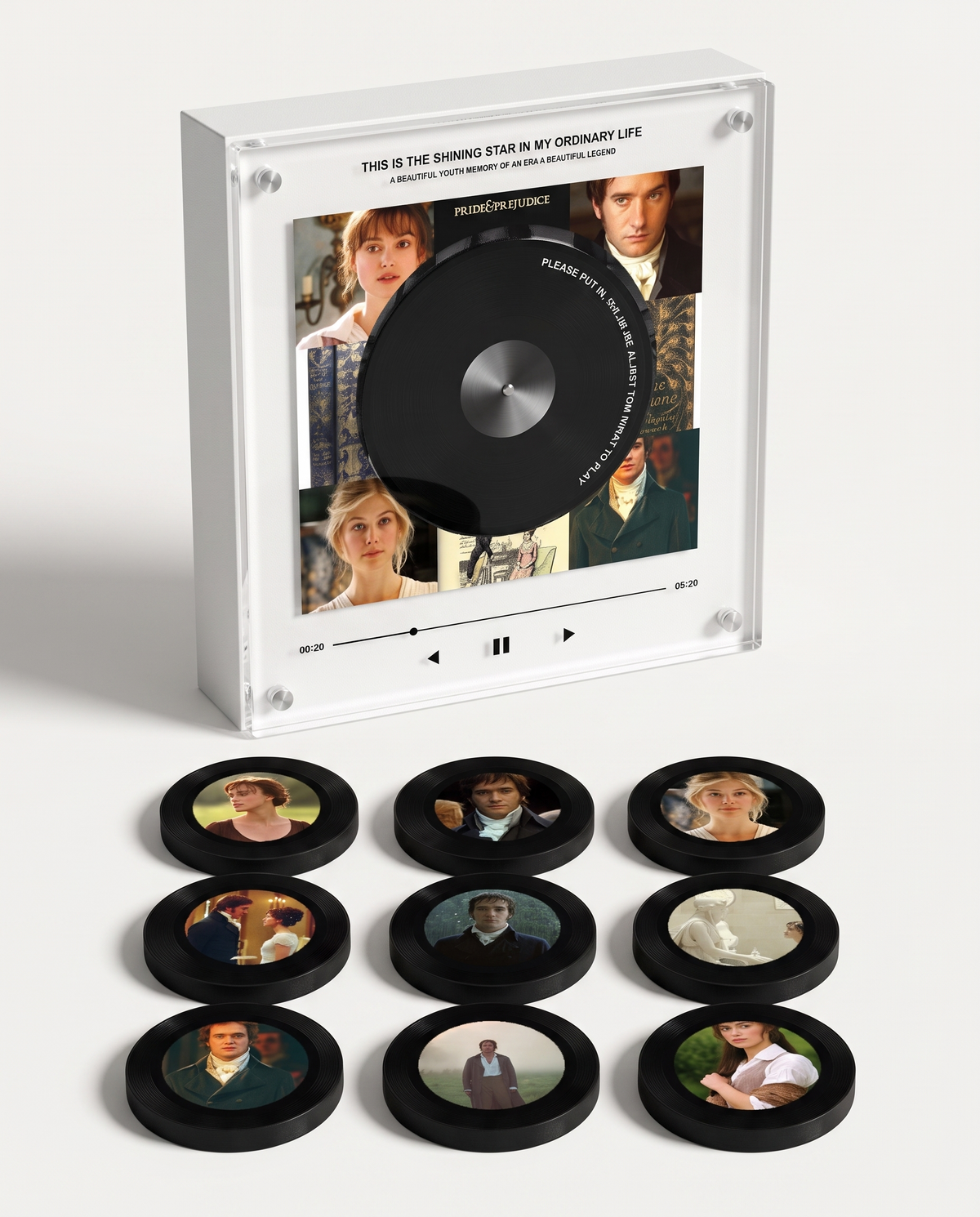

One Note , and the Room Changes
Nine vinyl discs - from that first doom-laden riff to the last encore, resting in your hands. Set one on the box and it plays: no app, no subscription, nothing to scroll past. First that unmistakable wail, then the whole song.

For the Ones Who Were There
Battle-jacket patches fray and tour shirts wash out to grey. This one stays on the shelf, and decades from now it will still play the song that made you throw the horns for the very first time.
How it works !
Customer Reviews
-

I set Crazy Train going and I was fifteen again, air-drumming in my bedroom before I had a clue what to do with my life. It is the one bit of merch I reach for instead of just looking at. The finish feels premium, it looks stunning on the shelf, and the picture discs are gorgeous. It keeps a memory alive far more than it decorates - easily worth it.
-

Honestly I reckoned the price was a stretch until I unboxed it. Matte, seriously weighty, black as pitch - it sits beside my Sabbath vinyl like it earned the spot. All nine discs span the decades, the artwork on them is beautiful, and it looks brilliant standing on display. It manages to be an ornament and something that truly means something, which is rare.
-

I ordered mine in the days after the Birmingham farewell, still raw that he was gone. It arrived feeling nothing like a novelty - you drop in your own tracks, it runs offline with no app, and the picture discs looked superb. It sits proudly on show and feels properly made. Getting it going took a little patience, but the moment it played Mama I'm Coming Home, every penny made sense.


Frequently Asked Questions
How does it work
How does it work
🔌 Charge & Switch On
Give the music box a charge before you first use it.
Hold down the back button to power it on or off.
💿 Set a Disc
Peel off the front protective sticker and rest a disc on the player.
Your song starts on its own.
🎵 Swap Your Songs Whenever
Hook the music box up to your computer with the included USB-C cable.
Open the folders numbered 1–9 and drag your MP3 songs into the matching one.
💻 Works with Mac & Windows
No apps or software needed.
🔋 Battery Life
Up to 8 hours of playback from a full charge.
Can I swap out a song down the line?
Can I swap out a song down the line?
Connect the box to your laptop using the USB-C cable in the box. Open the folder you want, remove the old MP3, and drop in the new one. Done in about 30 seconds.
What audio file types does it accept?
What audio file types does it accept?
MP3 files only. Anything else (WAV, FLAC, M4A) won't be picked up. You can turn any audio file into an MP3 for free with an online converter such as CloudConvert.
Will I need Spotify or some kind of streaming plan?
Will I need Spotify or some kind of streaming plan?
Nope — it works completely offline. You load your MP3 files onto the box once from your laptop, and from then on there's no internet, no app, and no subscription. The music belongs to you.
Can it connect over Bluetooth?
Can it connect over Bluetooth?
No — the music box runs offline from the MP3 files you upload, keeping things simple and seamless.
You might like
-
 SAVE 53%
Bruno Mars – Music Player
Regular price £49.00Regular price £49.00 Sale priceUnit price per£106.0053% -
 SAVE 53%
My Chemical Romance – Music Player
Regular price £49.00Regular price £49.00 Sale priceUnit price per£106.0053% -
 SAVE 53%
Michael Jackson – Music Player
Regular price £49.00Regular price £49.00 Sale priceUnit price per£106.0053% -
 SAVE 53%
One Direction – Music Player
Regular price £49.00Regular price £49.00 Sale priceUnit price per£106.0053% -
 SAVE 53%
Supernatural – Music Player
Regular price £49.00Regular price £49.00 Sale priceUnit price per£106.0053% -
 SAVE 53%
Wicked – Music Player
Regular price £49.00Regular price £49.00 Sale priceUnit price per£106.0053% -
 SAVE 53%
The Beatles – Music Player
Regular price £49.00Regular price £49.00 Sale priceUnit price per£106.0053% -
 SAVE 53%
Twenty One Pilots – Music Player
Regular price £49.00Regular price £49.00 Sale priceUnit price per£106.0053% -
 SAVE 53%
BTS – Music Player
Regular price £49.00Regular price £49.00 Sale priceUnit price per£106.0053% -
 SAVE 53%
Linkin Park – Music Player
Regular price £49.00Regular price £49.00 Sale priceUnit price per£106.0053% -
 SAVE 53%
Olivia R. – Music Player
Regular price £49.00Regular price £49.00 Sale priceUnit price per£106.0053% -
 SAVE 53%
Green Day – Music Player
Regular price £49.00Regular price £49.00 Sale priceUnit price per£106.0053% -
 SAVE 53%
Dexter Morgan – Music Player
Regular price £49.00Regular price £49.00 Sale priceUnit price per£106.0053% -
 SAVE 53%
Iron Maiden – Music Player
Regular price £49.00Regular price £49.00 Sale priceUnit price per£106.0053% -
 SAVE 53%
Outlander – Music Player
Regular price £49.00Regular price £49.00 Sale priceUnit price per£106.0053% -
 SAVE 53%
Sabrina C. – Music Player
Regular price £49.00Regular price £49.00 Sale priceUnit price per£106.0053% -
 SAVE 53%
Fall Out Boy – Music Player
Regular price £49.00Regular price £49.00 Sale priceUnit price per£106.0053%


